
macOS · Apple Silicon
TapeNook
Voice notes · local recording
A Mac recorder for capturing ideas and voice notes on cassettes. Give each tape a name and color, then record, play, rewind and fast-forward with the mechanical controls. Choose a microphone and storage folder, and keep recordings in local WAV files.
Purchase options →A tape for each idea
Create a blank cassette in the drawer, give it a handwritten-style title and choose one of ten colors. REC starts the recording lamp and counter. Each tape has a 60-minute timeline, with recorded sections shown on the seek rail.
Find a passage and export it
Rewind, fast-forward or drag the rail to a position. Shift-click the winding controls for slower navigation. Recording from the middle asks for confirmation before replacing that section; audio after the new take remains. Open recordings in Finder or export a tape as WAV.
Trailer
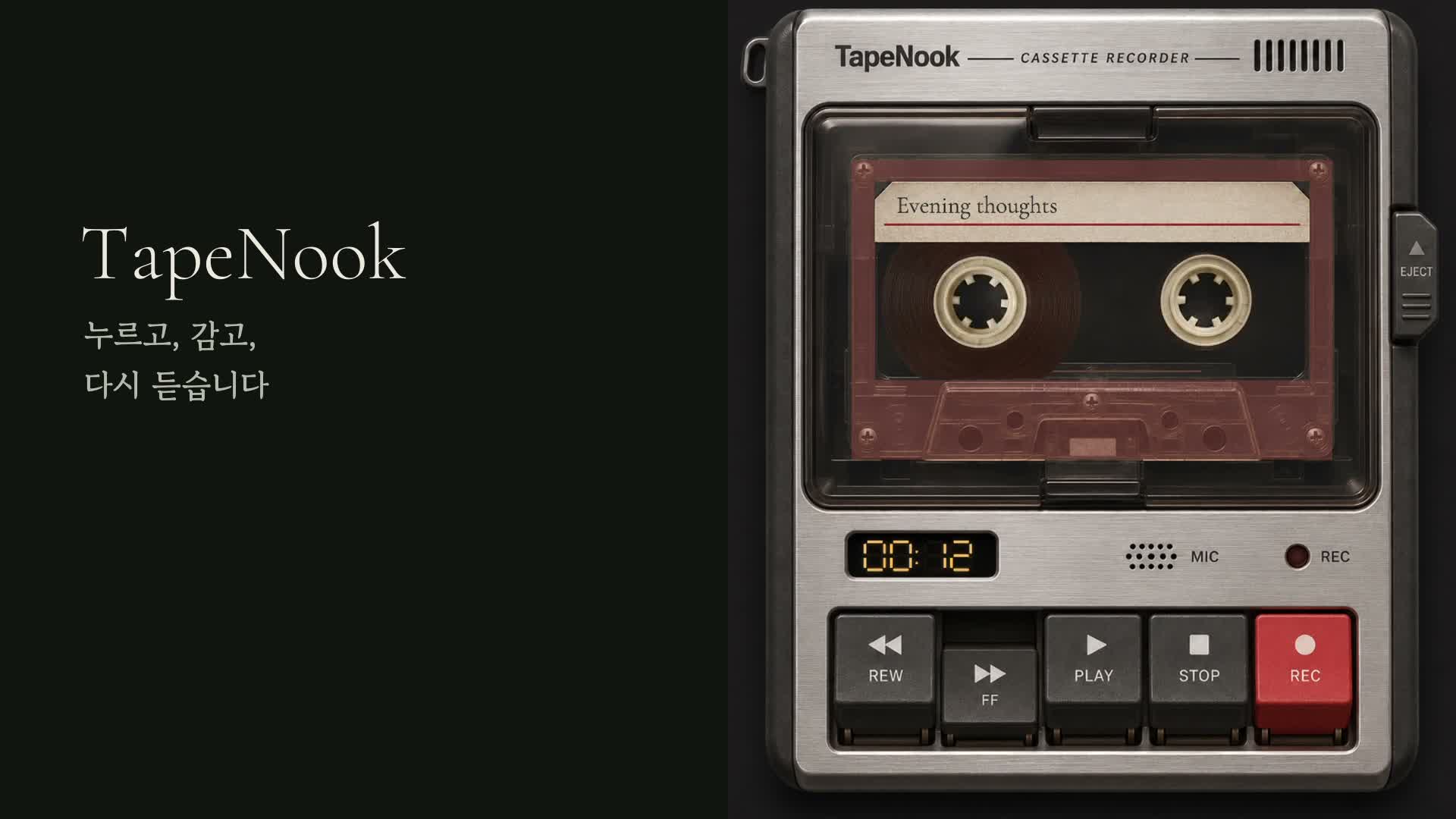
Actual Mac app footage · sound onYouTube ↗
Screenshots
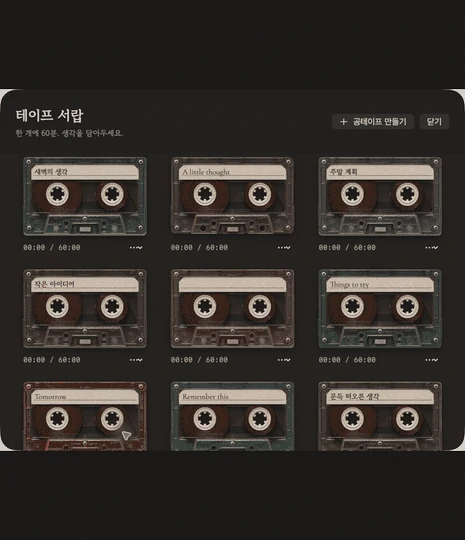
Features
See the store page for current pricing, supported systems and downloads.
- ↗Organize voice notes with tape names and colors.
- ↗Record, play, seek and stop automatically at tape ends.
- ↗Choose the microphone and folder, and export WAV files.
- ↗Use local recording without an account, cloud storage or subscription.
Short recording and playback have been tested. A continuous full 60-minute hardware recording test is still pending.
Installation and recording requirements
Open the DMG, move TapeNook to Applications and allow microphone access for the first recording. The recorder, drawer, settings and overwrite prompts support English and Korean.
- macOS 14+ · Apple Silicon (M1 or later)
- WAV export is included; MP3 export is not available.
Source: TapeNook · itch.io · 2026-11-11 checked