
The right skill depends on the job: cleaning a spreadsheet, writing a product page, or making a short promo video. I compared three skill roundups on X and selected seven Claude skills for everyday work and independent products. Start with the task you want to finish.
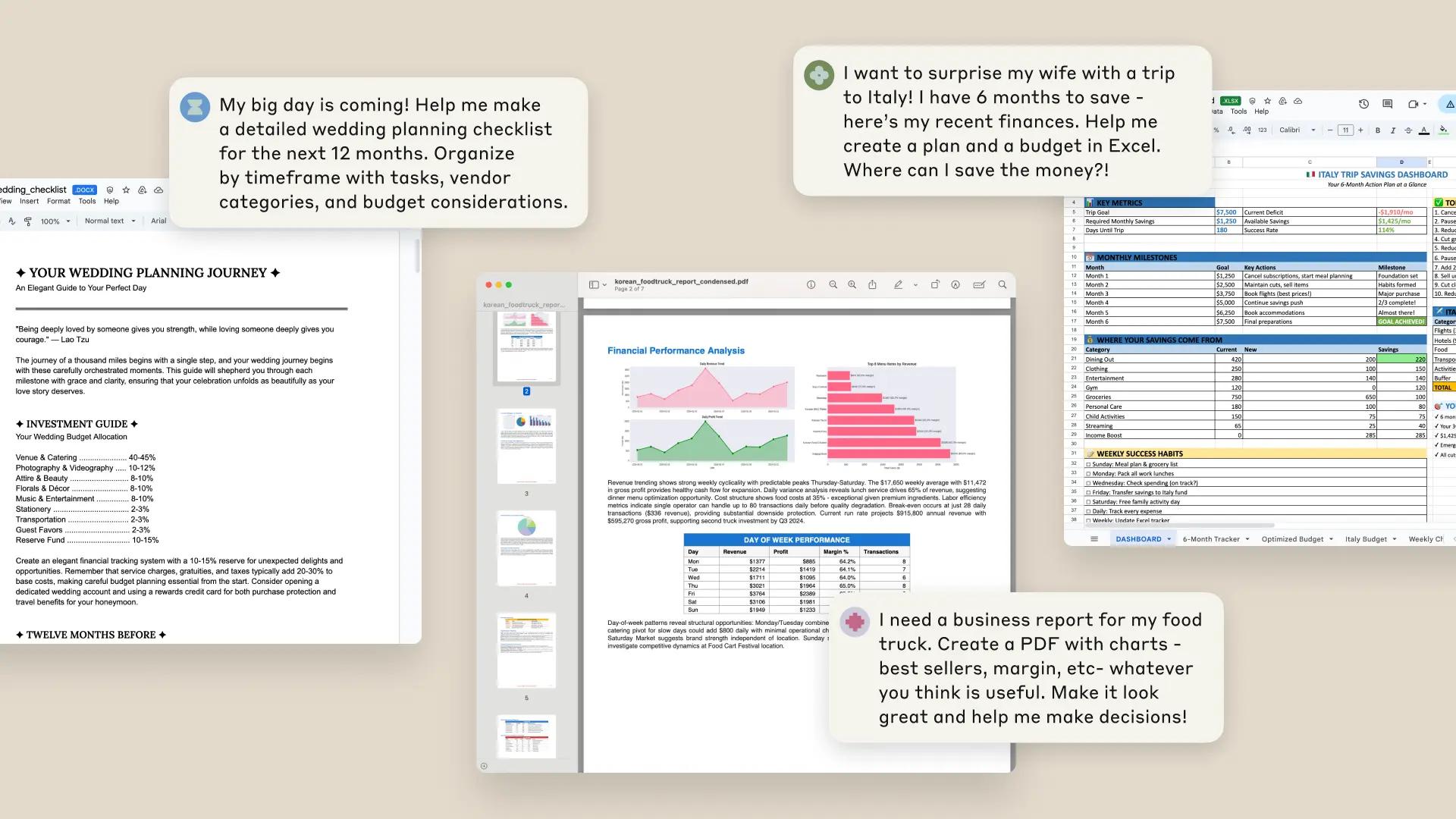
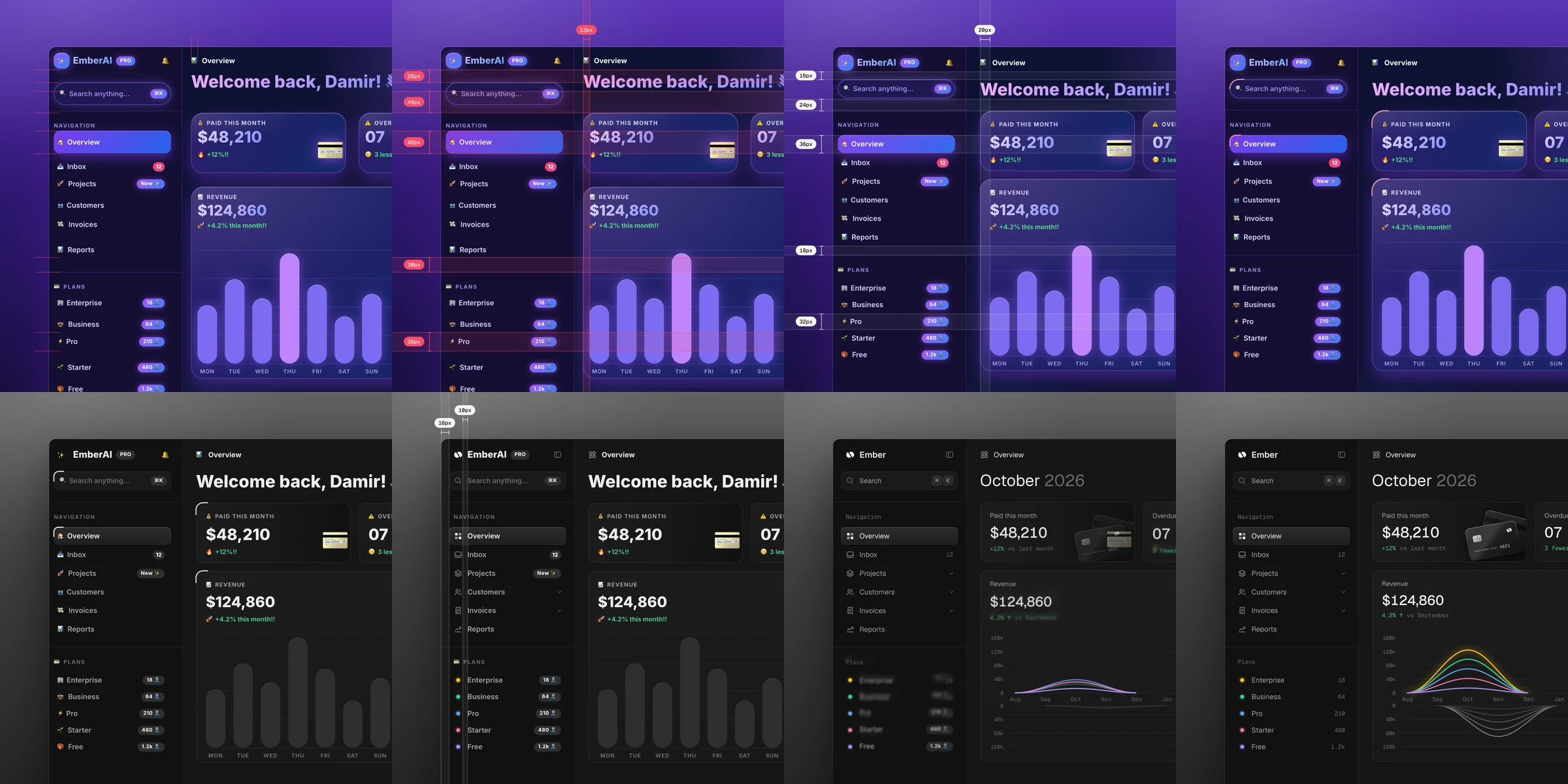
The image and video above are Anthropic’s published examples of document, spreadsheet and PDF creation. The sections below cover those file tasks, product pages, writing, video and repeat-work automation. The prompts are examples written for this article; finished demonstrations link to their creators’ originals.
Choose by the job
| What you need | Skill to explore | Materials to prepare |
|---|---|---|
| Combine sales or expense records | xlsx | Original Excel or CSV files |
| Compare several PDFs | The documents | |
| Build a product page | frontend-design | Screenshots, features and price |
| Write a page’s opening message | copywriting | Customer and product information |
| Remove inflated AI phrasing | humanizer | An existing draft |
| Make a short product video with music | Remotion skills | Screenshots, logo and audio |
| Connect recurring collection and notifications | n8n-skills | Services and the task sequence |
Items 1 and 2 are easy to start in Claude on the web. Enable file creation in Settings → Capabilities, attach your materials and ask for the result. Built-in document skills activate for relevant tasks; you do not first need a GitHub installation. See the current official setup guide.
1. Combine files and calculate totals — xlsx
Use this when transaction CSVs and monthly spreadsheets are scattered across files. Ask for a workbook with clean tables, formulas and charts. The official xlsx skill covers those spreadsheet tasks.
Combine the attached monthly sales files into one Excel workbook.
Keep the original sheets, add monthly-total formulas and a sales chart,
and collect rows with missing dates, missing amounts or duplicates on a separate sheet.
Check the downloaded totals against the originals and review the duplicate rule. Keeping the source sheets makes that comparison easier.
2. Read PDFs and build a comparison — pdf
This helps when you keep switching between vendors’ brochures or product documents. The skill covers extracting text and tables, merging selected pages and creating PDFs. Official pdf skill
Compare only price, included services and additional fees across these three PDFs.
Put the filename and page beside each entry.
Write “not stated” for conditions the documents do not specify.
Scanned documents may need text recognition. Return to the cited pages to check important prices and conditions.
3. Build a product page — frontend-design
Use this for a page introducing an app, small service, course or newsletter. Ask for a page with real product screenshots and readable explanations. The skill focuses on a deliberate approach to type, color and layout. Anthropic’s official skill
Build a product page from these app screenshots and feature notes.
The opening section should show the actual app, three main features,
the price and an install button. Make it readable on a phone and keep the copy plain.
Start: In Claude Code, run /plugin marketplace add anthropics/skills, then /plugin install example-skills@anthropic-agent-skills. This installs the example-skill collection. Open your web project and ask Claude to use frontend-design. Official installation instructions
4. Decide what the opening should say — copywriting
If you have plenty of features but cannot choose the first sentence, try copywriting from marketingskills. It organizes headlines, page copy and calls to action around the product and its audience. Use it to decide who the page addresses and what to explain before arranging the screen. Corey Haines’ skill
Write page copy for this music app.
It is for people who want to collect their own music and cover art like records.
Use only the real features. Suggest three headlines, a short introduction and install-button text.
Install: Run npx skills add coreyhaines31/marketingskills --skill copywriting -a claude-code in a terminal. This selects the relevant skill from the broader marketing collection. Installation options
5. Cut inflated wording — humanizer
If a draft is full of “revolutionary experiences” and “more than just a feature,” try humanizer. It identifies recurring AI-writing patterns and edits them. The creator’s README includes a before-and-after announcement. blader’s original and example
/humanizer Make this introduction plain and natural.
Keep the features, prices, dates and sources. Remove inflated adjectives and repetition.
Install: Use npx skills add blader/humanizer --global --agent claude-code. Read the result for your product’s voice, and check that it has not added features or unsupported benefits.
6. Turn product screenshots into a promo video — Remotion
Remotion skills suit short videos with moving product screens and text. Prepare actual screenshots, a logo and audio you can use, then describe the scene order and duration. The official skills guide an agent writing video code in a Remotion project.
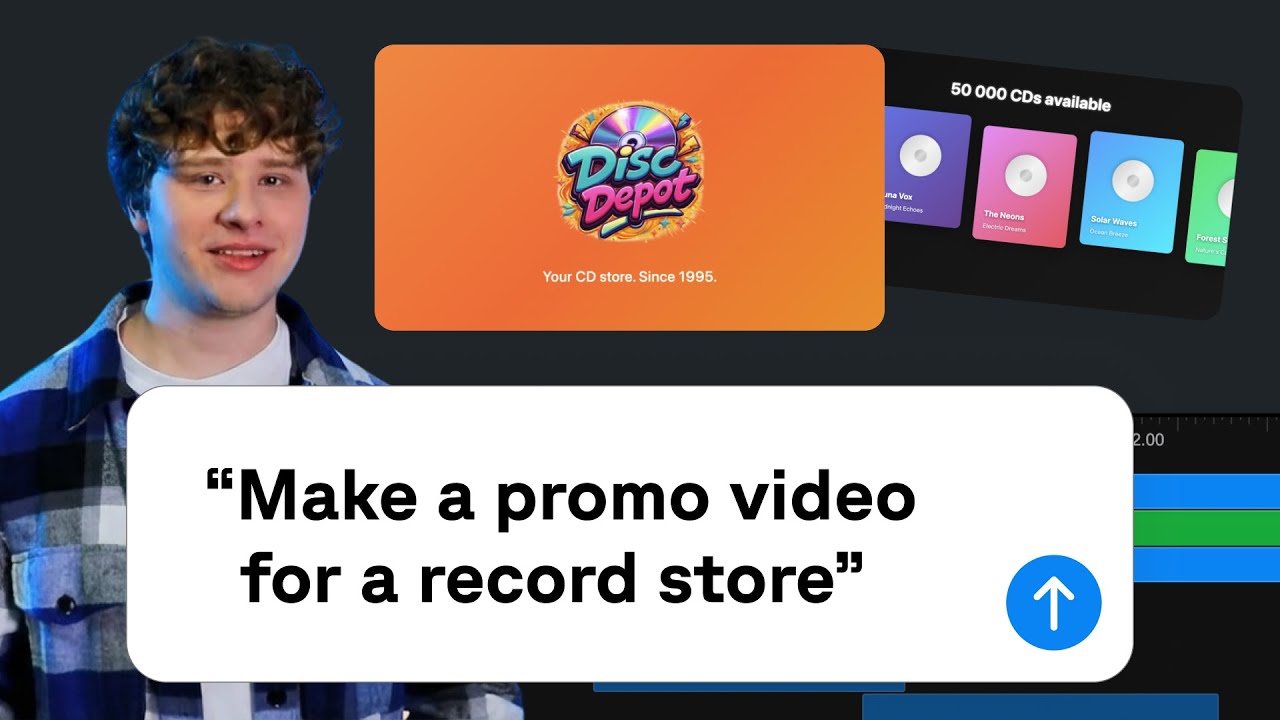
Watch the official finished example — from 4:45
Published on February 4, 2026, the tutorial promotes a CD store. It adds the official skills to OpenCode and later adds motion that responds to music. For your app, a prompt could look like this:
Make a 15-second vertical promo using these three app screenshots.
Open with the app, show two features, then end with its name and install URL.
Use the supplied music and sound effects. Show the scene plan first.
Start: You need Node.js and a Remotion project. Add skills inside the project with npx skills add remotion-dev/skills. The setup and example guide explains starting in an empty folder. Check Remotion’s usage terms and the rights for your audio.
7. Connect recurring collection and notifications — n8n-skills
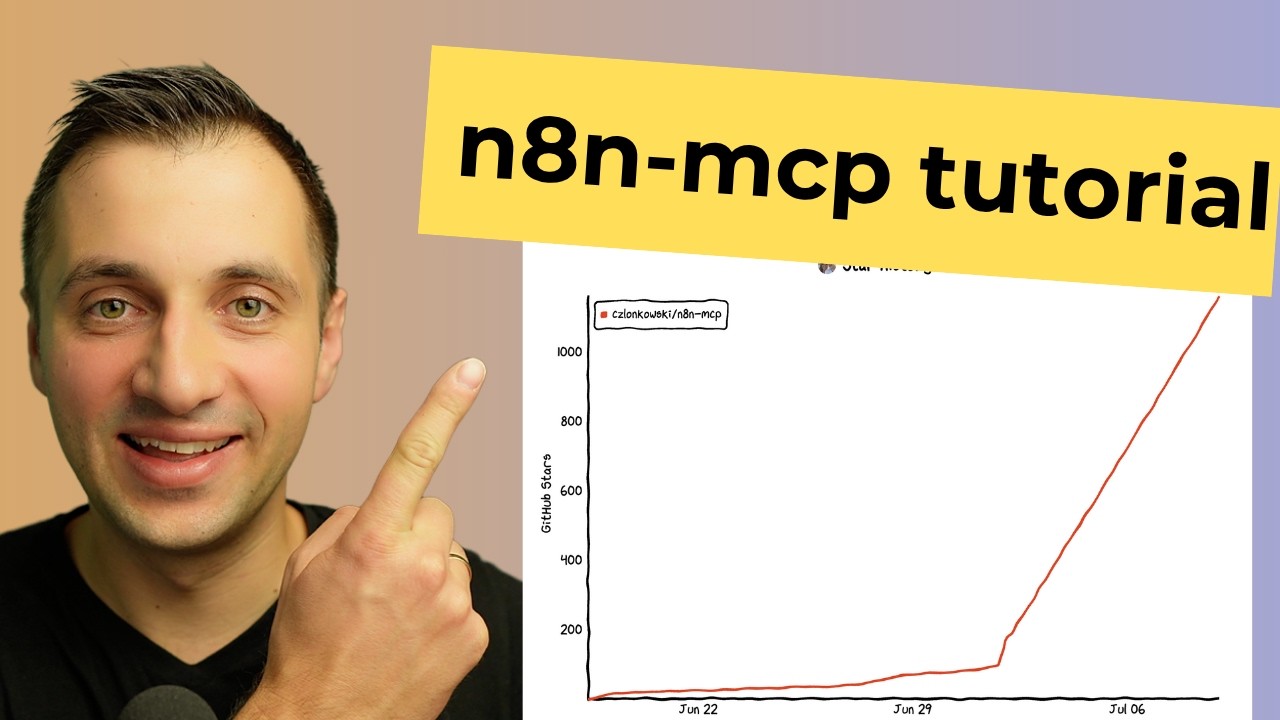
Consider this for collecting inquiries in a table and receiving a scheduled summary. n8n-skills is a collection of guidance for workflow structure and configuration; n8n-mcp is the MCP server connecting Claude to n8n tools. n8n runs the automation. Creator’s explanation and prerequisites
I want new inquiry-form responses collected in a table and summarized at 6 PM daily.
Use the n8n skills to outline the nodes and connections first.
Include a deduplication rule and a test plan. Do not activate the workflow yet.
Start: With n8n-mcp configured in Claude Code, add /plugin install czlonkowski/n8n-skills. You need the connected-service accounts and an n8n environment to run the workflow. Check service charges and API conditions separately. See the creator’s completed-workflow demonstration and the connection guide.
Combine them around one job
- Reporting: Aggregate with xlsx, then make a shareable report with pdf.
- Promoting an app: Set the message with copywriting and build the page with frontend-design. Edit the draft with humanizer and use relevant product screens in a Remotion video.
- Repeating a task: Check the result on one set of files, then connect the recurring parts with n8n.
Start with the one you need today. Installation and features were checked against official documentation and repositories on November 14, 2026. Distinguish skill installation from Claude usage fees, video-tool terms and external-service charges.
X roundups used as starting points
- Feednote_X, November 9: 24 tools to install in Claude. A starting point for marketing, writing and document tools.
- Dumble, November 10: Design and video collection. Followed through to the official Anthropic and Remotion material.
- Dumble, November 11: Automation collection. Used to distinguish n8n’s connector from its skills.
When checked on November 14, the first two posts showed 401 and 1,289 likes respectively. This article reorganizes the material around original task examples and prompts. The cover quotes © Anthropic’s file-creation examples, published September 9, 2025.
Comments and questions
Post, edit or delete a comment using a name and password. Use a password you do not use elsewhere.